Free print-ready tools for your home
Make things that fit your home.
Picture in, print-ready file out. Trace a photo into a 3D shape, check it will stand up, and export STL or painted 3MF, sliced the right way up. Every tool is free. You can browse and preview without an account.
Free · runs in your browser · STL · painted 3MF
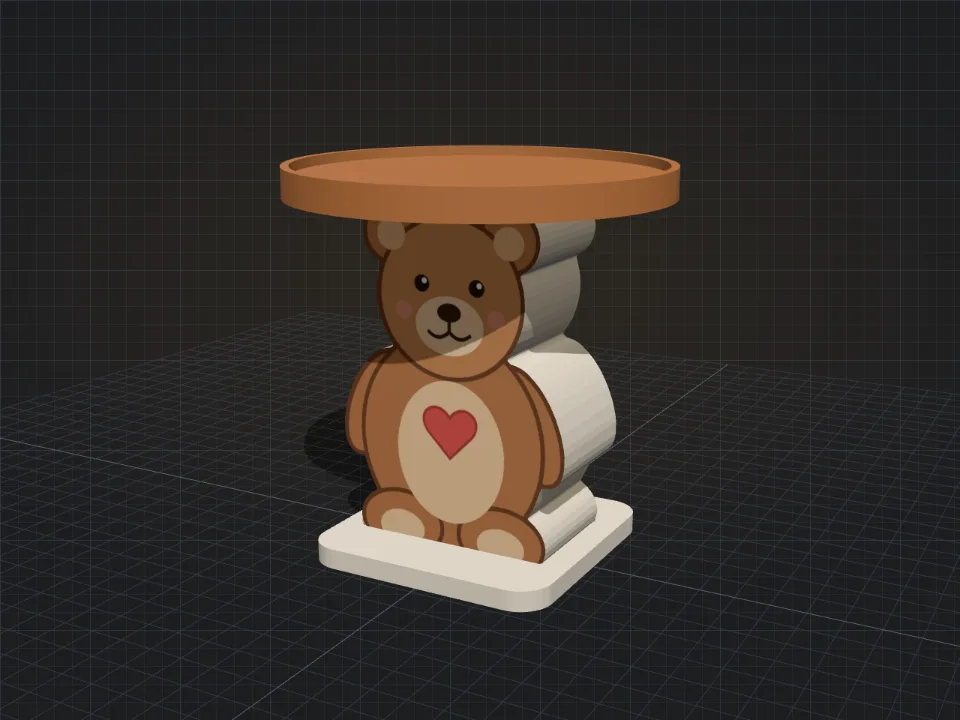 On the bench: Candle Stand Builder
The tool wall
No tool matches that yet.
Converters
Not a design tool — these pages take a file you already have and turn it into another format or a project for a different printer. They run in your browser and never upload your files. More converters can join this shelf later.
No converter matches that search.
Forge & Form by Soro Designs
Print it on a Fiery Ice Cold plate
Every tool on this site is free to use. Soro Designs also makes the REDEAVI Fiery Ice Cold build plate, in sizes for many popular 3D printers. When it is time for a new plate, find the one that fits your printer in our store.
Shop build plates (opens in a new tab)How it works
- 01
Bring a picture
Choose a photo or drop one on the bench. It is read right in your browser and is never uploaded.
- 02
Shape it on the bench
Set the size, base and colors. The preview checks that the stand will not tip, and shows how each part sits on the print bed.
- 03
Export and print
Download a painted 3MF or plain STL files, already laid out and turned the right way up for your slicer.